AutoStandByPro Help – Contents · AutoStandByPro website

Modify an Existing Rule

In order to modify an existing rule either:

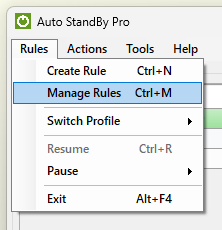
  1. Open the “Activity Monitor” window and from the “Rules” menu select “Manage Rules”.

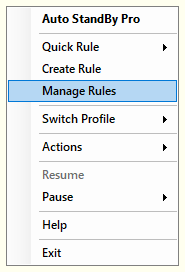
  2. While the AutoStandByPro application is minimized to the "System Tray" click on the application system tray icon and from the context menu select “Manage Rules”.

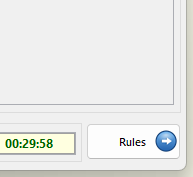
  3. From the “Activity Monitor” window click on the button “Rules” to open the “Rules Table” window.


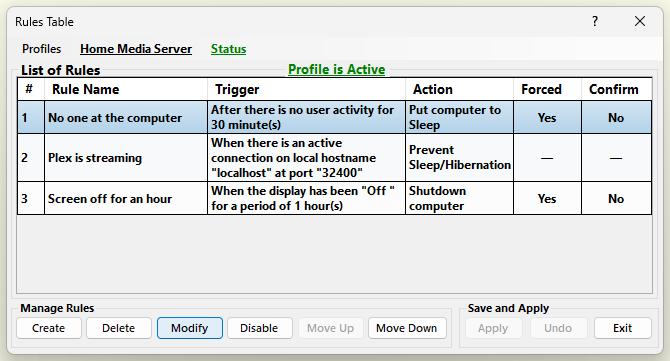
From the “Rules Table” window select the rule that you wish to modify and then click on the button "Modify".
The "Rule Creation" window opens with the existing settings of the rule.
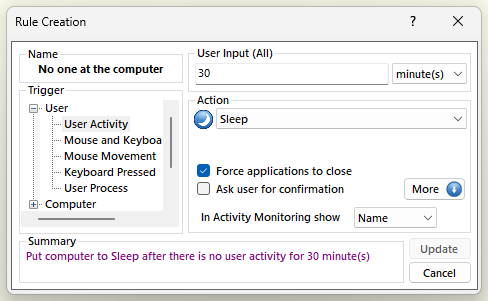
After you make all necessary modifications click on the button "Update" to exit the window. Finally on the "Rules Table" window click on the button "Apply" to save and apply the changes.